Search
Search by item ID
Search for items by inputting one or more Item IDs.
- Make sure the desired view is displayed. To switch views, click the Viewing menu in the upper-right corner of the page. Learn more about views
- Select Item ID from the menu next to the search bar.
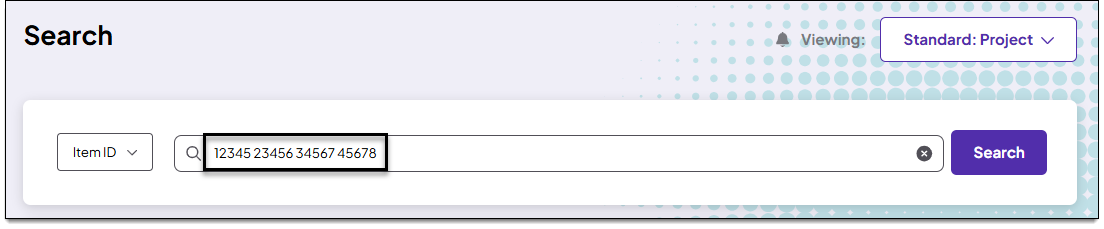
- In the Search bar, input one or more item ID numbers. Separate each ID with a single space as shown in the example below:
- Press Enter on your keyboard or click Search.
- While the search is loading, you can click Cancel to stop the in-progress search.
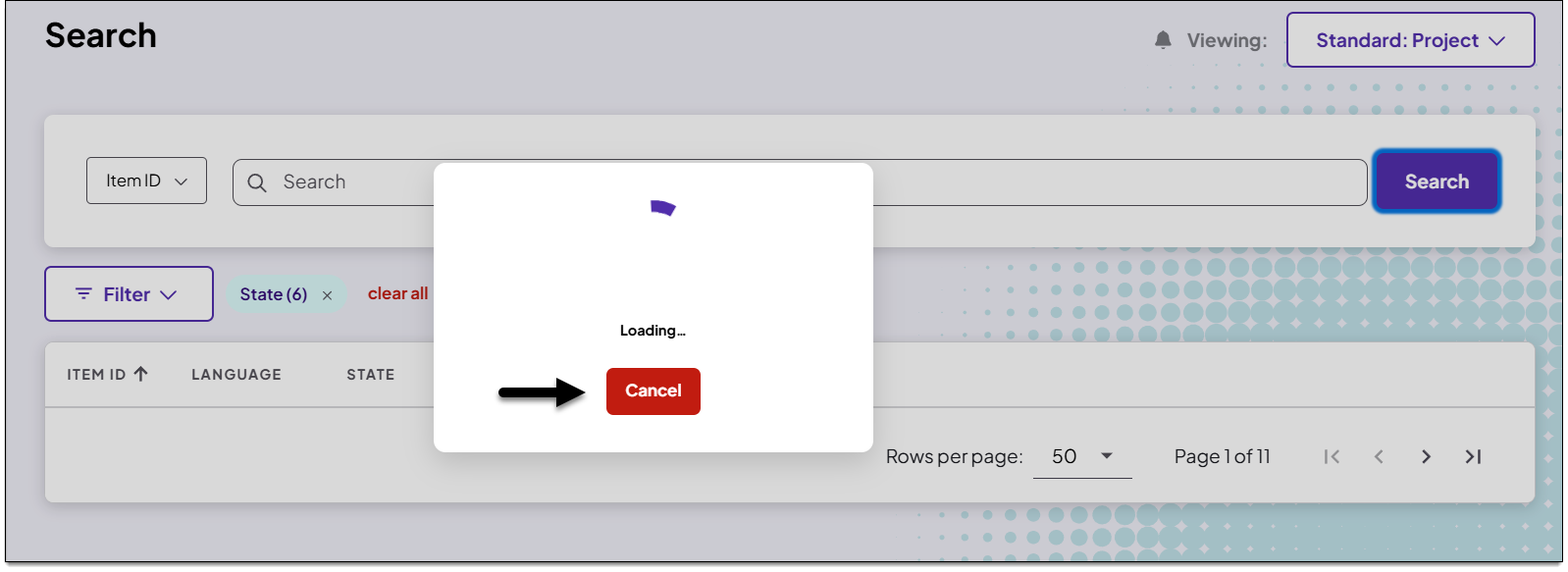
- While the search is loading, you can click Cancel to stop the in-progress search.
- The search results are displayed. You can now sort or filter the results, open an item or batch of items in the item editor, or clear the criteria and start a new search. See Getting around the Search page for more information.